AF Speech: Offline Speech-to-Text AI Desktop App
GPU‑powered voice‑to‑text AI, fully local, zero costs, zero internet.
Details
AI Software Developer
Industry:
Overview
AF Speech is a Windows desktop application designed to eliminate manual typing completely, allowing users to write anywhere simply by speaking.
The project was born from a real and common problem: most speech‑to‑text tools available today require monthly subscriptions, constant internet connection, and the transmission of audio data to external servers — resulting in higher costs, latency, and serious privacy concerns.
AF Speech completely reverses this approach by leveraging the local power of the user’s PC, especially CPU and NVIDIA GPU, to run artificial intelligence entirely offline.
AF Speech is an intelligent dictation system that converts voice into text using advanced AI models executed entirely on the local machine.
Users can dictate text inside any application — browser, editor, CRM, chat, documents — through a global hotkey, without interrupting their workflow.
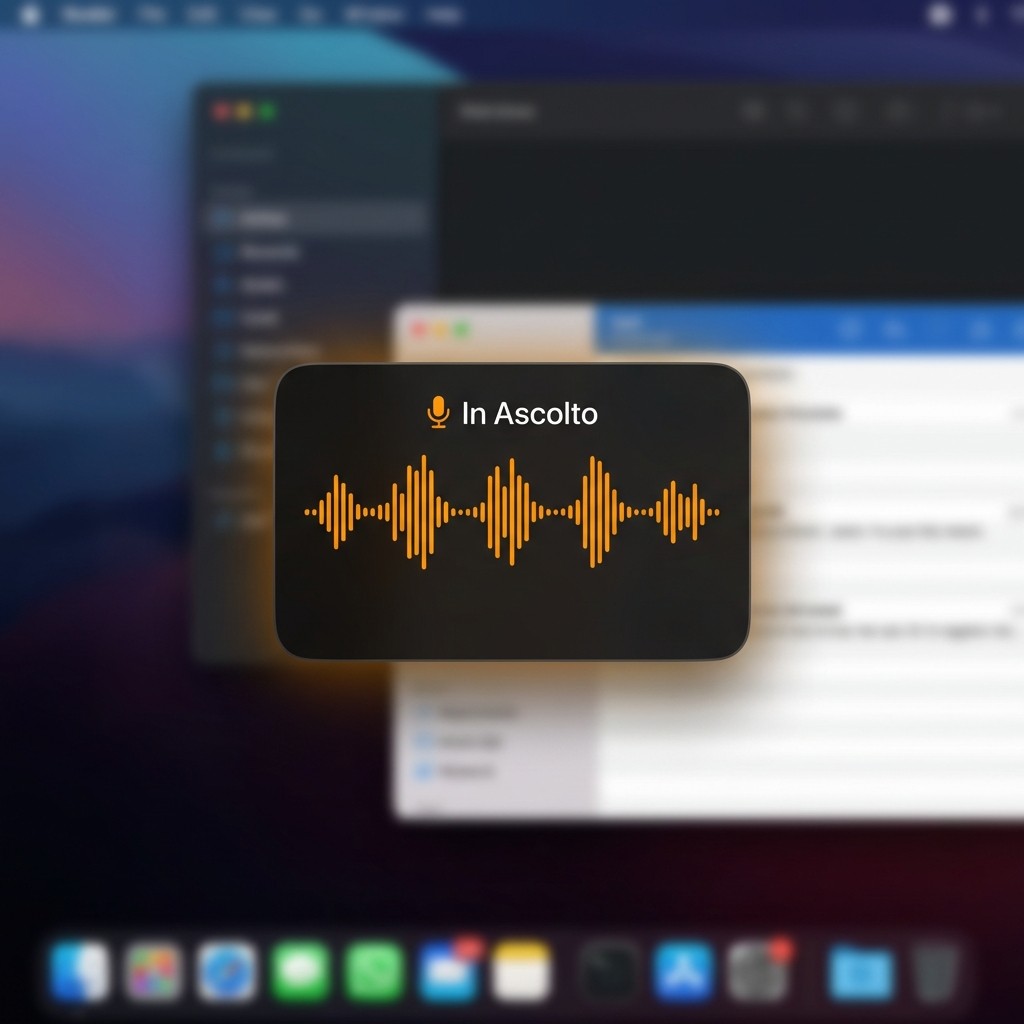
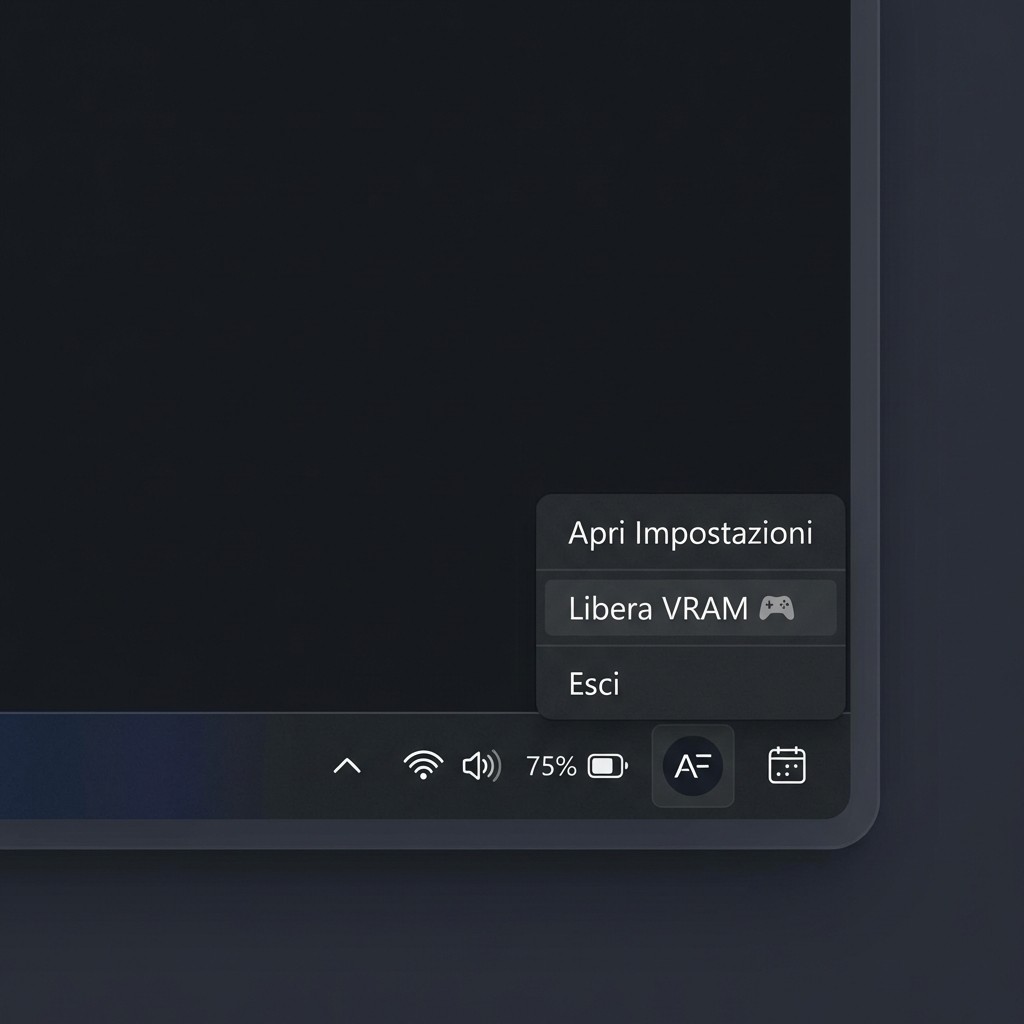
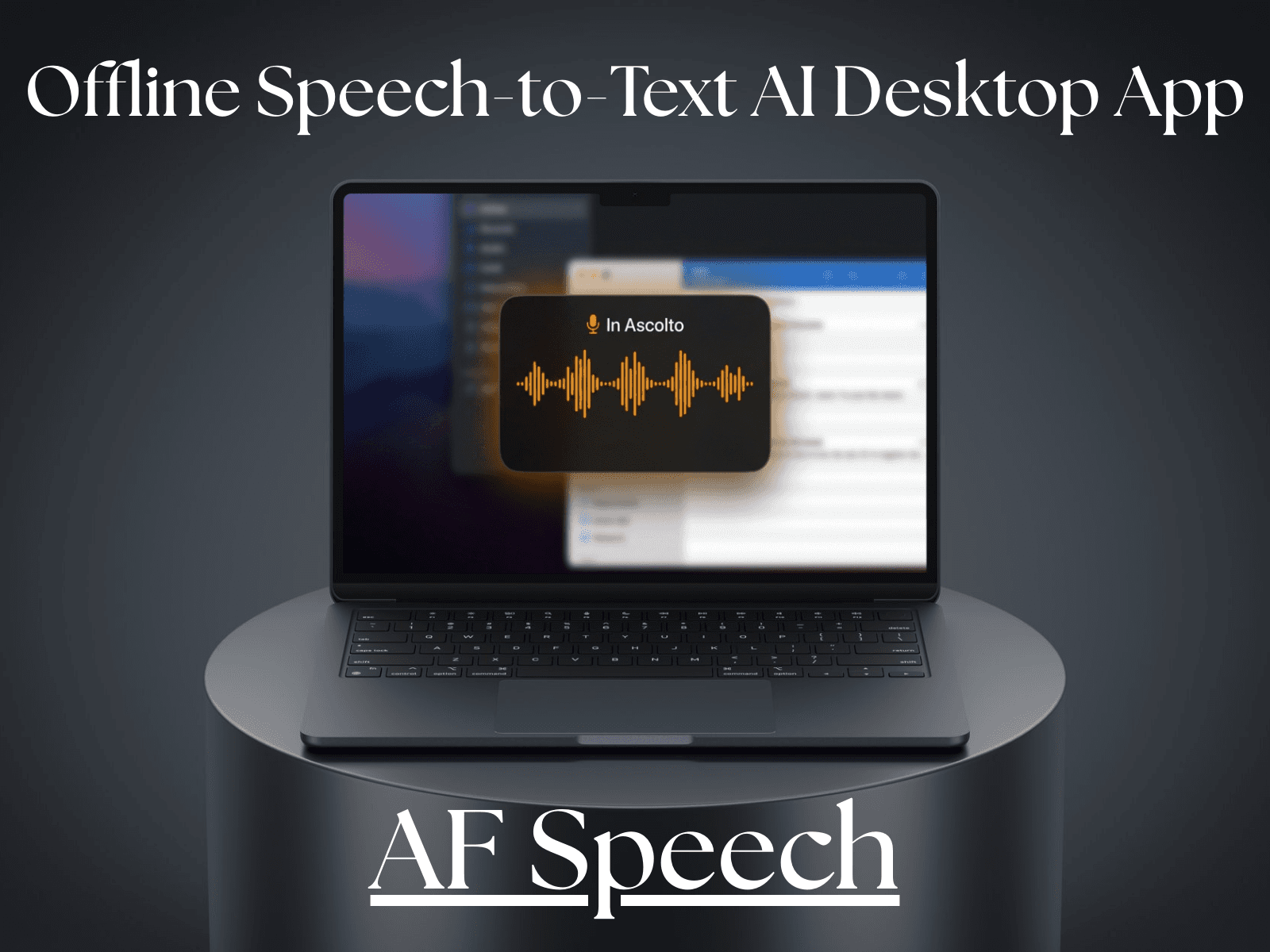
The application runs silently in the Windows system tray, includes a visual listening overlay, and features intelligent GPU resource management.
Why this project delivers real value
💰 Zero recurring costs
Unlike cloud‑based solutions:
no per‑minute fees
no subscriptions
no external APIs
Once installed, the application uses hardware the user already owns, effectively turning the GPU into a personal AI accelerator.
🔒 Total privacy (100% offline)
All processing happens locally:
no audio is sent online
no servers involved
no remote logging
Voice data never leaves the user’s computer, making AF Speech ideal for professional, business, and privacy‑sensitive environments.
⚡ High performance
Thanks to CUDA acceleration:
fast transcription even with large AI models
minimal latency
optimized VRAM usage
The experience remains smooth even when using powerful models such as Whisper Large‑v3.
Tools Used / Stack
Area | Technology |
|---|
AI Speech Engine | Faster‑Whisper (CTranslate2) |
Model | Whisper Large‑v3 |
Acceleration | NVIDIA CUDA / cuBLAS / cuDNN |
Audio | SoundDevice + PyAudio |
GUI | CustomTkinter |
System Tray | pystray |
Global Hotkeys | keyboard |
Packaging | PyInstaller (standalone EXE) |
Key Features
🎙️ Smart voice dictation
global hotkey activation
automatic speech detection
text injected directly into the active application
🤖 Local AI execution
Whisper Large‑v3 running fully offline
multilingual support
high accuracy on complex sentences
🎮 VRAM Protection System
Designed for power users and gamers:
real‑time GPU memory monitoring
automatic AI pause above VRAM threshold
“Free VRAM” action from the system tray
This allows AF Speech to coexist safely with games and heavy GPU workloads.
🖥️ Native Windows integration
auto‑start with Windows
silent background execution
tray quick menu
listening overlay feedback
UI & User Experience
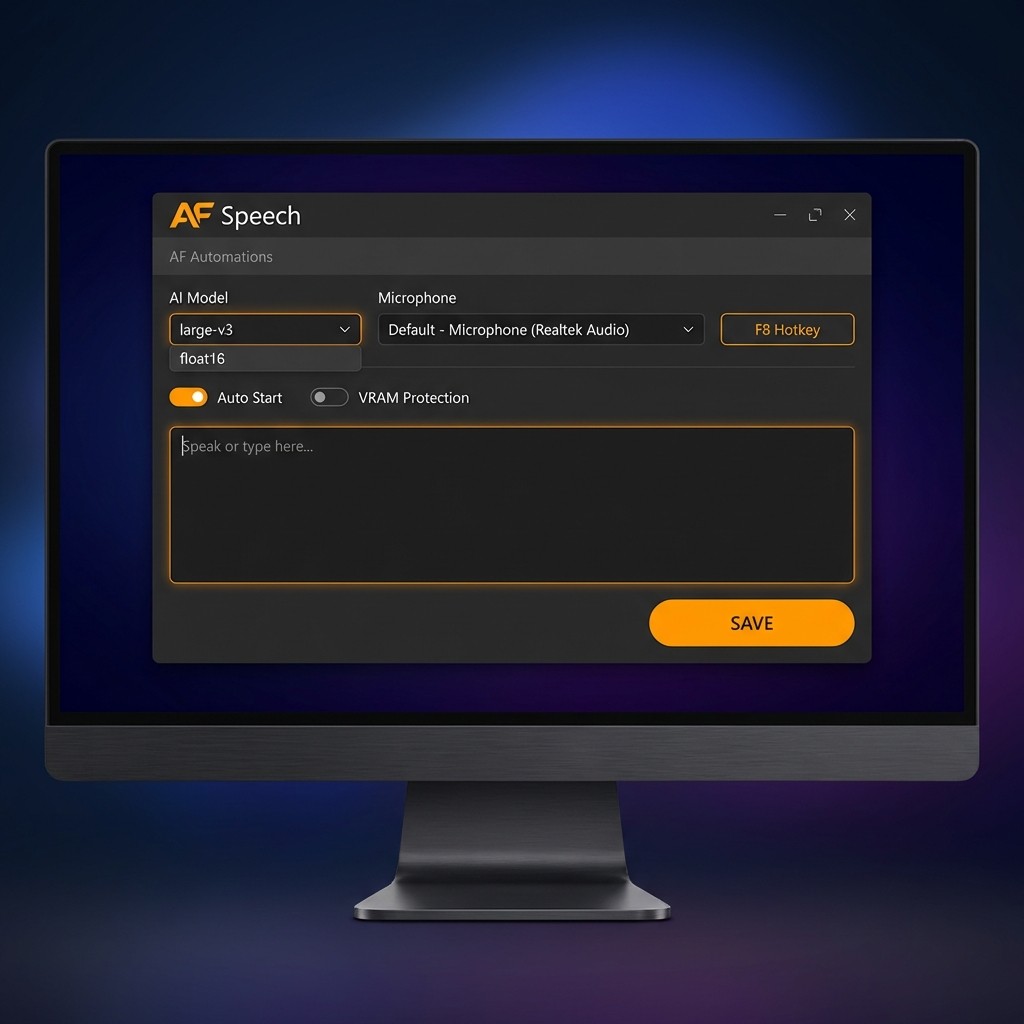
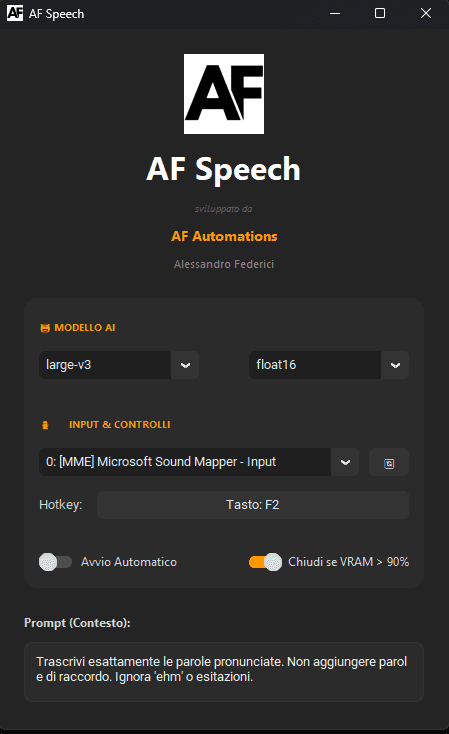
The interface follows a modern dark‑mode design, aligned with the Windows ecosystem and AF Automations branding.
Main elements include:
AI model selection
microphone selection
auto‑start toggle
VRAM protection
text output area
animated listening overlay
The goal is to deliver advanced AI power through a simple and intuitive interface.
Technical Metrics
Metric | Value |
Average transcription time | < 2 seconds |
Italian accuracy | ~98% |
VRAM usage | 3–4 GB (large‑v3) |
Offline operation | 100% |
Technical Challenges Solved
reliable hot‑plug handling of audio devices
asynchronous AI model loading to avoid UI freezing
Unicode compatibility (accents and symbols)
global Windows hotkey integration
GPU stability via VRAM protection logic
Outcome
AF Speech demonstrates how it is possible to build:
a fully local AI desktop application
with no recurring costs
focused on real‑world performance
maximum privacy
deep operating system integration
This project represents a concrete example of practical applied AI, leveraging consumer hardware to deliver real user value.